winter - week 1 - research
Litchfield: Currently troubleshooting installation.
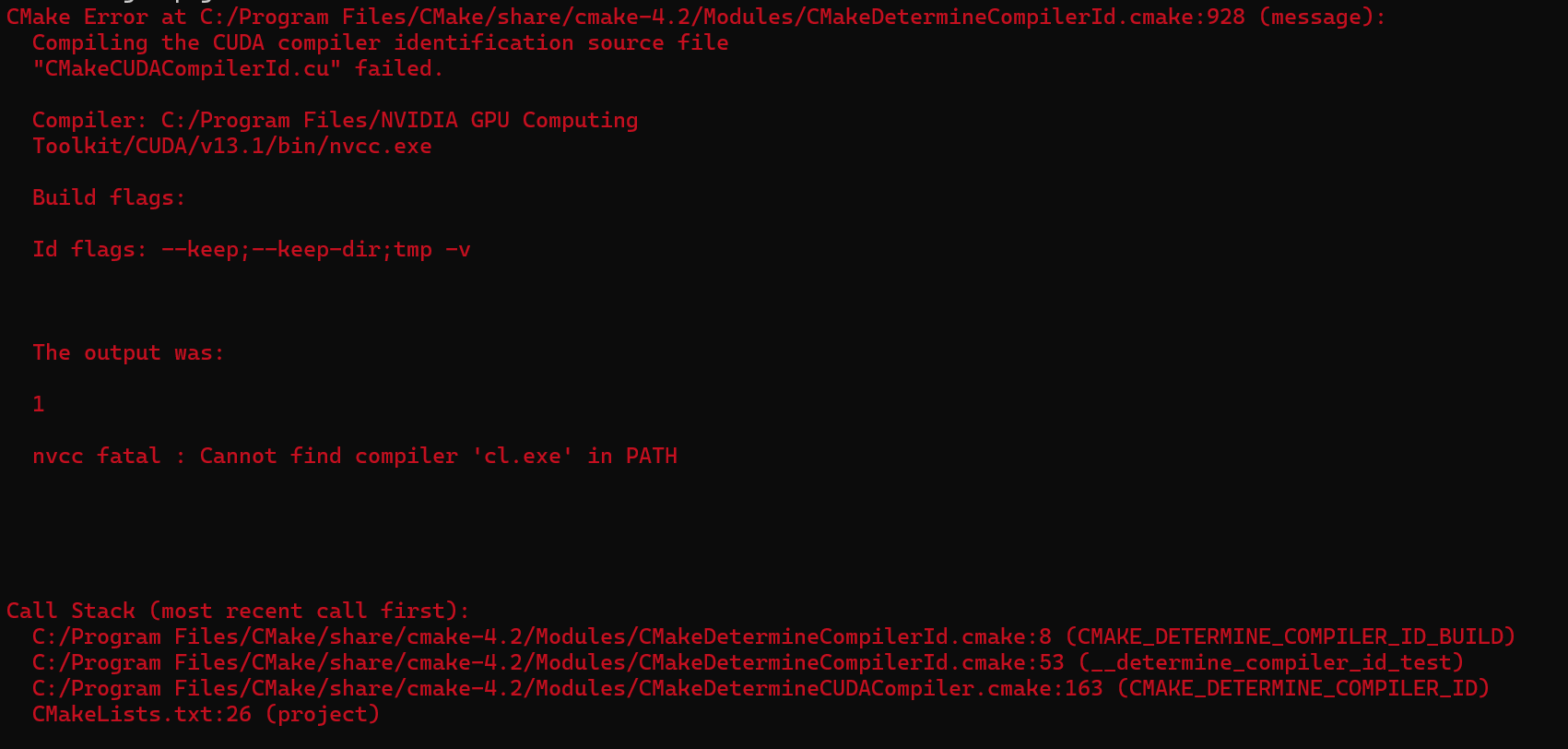
CUDA is failing
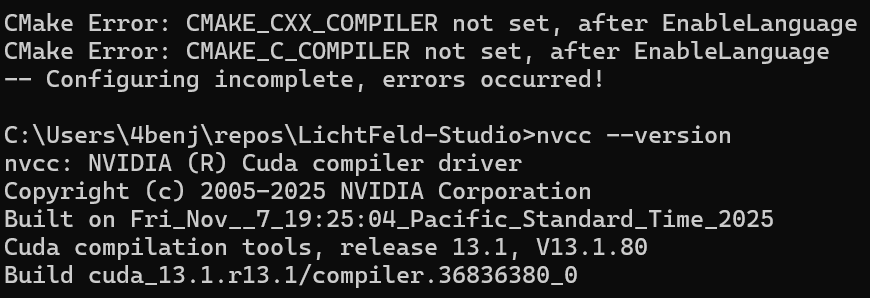
Item helped find that the CUDA version may be to new.


I installed the version suggested by Volinga recommend version and now it can’t find it.
Volinga:

I was able to install the Volinga Plugin through a Free Trial
Volinga X Disguise: https://help.disguise.one/workflows/nerfs/volinga#_top
Luma AI
Pros:
Very easy to use mobile app for iOS and Android
High-quality captures with good detail and lighting
Official Unreal Engine plugin with straightforward import
Free tier includes basic captures and exports
Fast processing in the cloud
Clean, user-friendly interface
Cons:
Free tier has limited captures per month
Requires internet connection for processing
Less control over advanced capture settings
Some export formats require paid subscription
File sizes can be large
Polycam
Pros:
Mobile app available (iOS and Android)
Multiple capture modes including Gaussian splats
Unreal Engine export support
Good for quick scans on the go
Active development and updates
Cons:
Free tier is quite limited (few exports per month)
Best features locked behind paid tiers
Quality can be inconsistent on free tier
Unreal export may require Pro subscription
Processing times can be slow on free tier
Volinga
Pros:
Purpose-built for Unreal Engine integration
High-quality professional results
Optimized workflow for game development
Good performance in-engine
Cons:
Paid software
More expensive than alternatives
Steeper learning curve
Nerfstudio + Unreal Import
Pros:
Completely free and open-source
Train your own Gaussian splats from photos
Full control over training parameters
High quality results possible
Active research community
Cons:
Steep learning curve
Requires powerful GPU for training
Command-line based (not user-friendly)
Need to capture your own image sequences
Export to Unreal requires additional steps/plugins
Time-consuming training process
Postshot
Pros:
Free tier available
Web-based processing
Multiple output formats
Handles both photogrammetry and Gaussian splats
Relatively easy to use
Cons:
Free tier has strict limitations
Quality varies depending on input
Requires good internet connection
Export options limited on free tier
May not have direct Unreal plugin
To do:
Troubleshoot Litchfield
Test Volinga Plugin
Test Luma AI Unreal Plugin
Use NerfStudio and Possibly Litchfield studios
Compare softwares to find most optimized